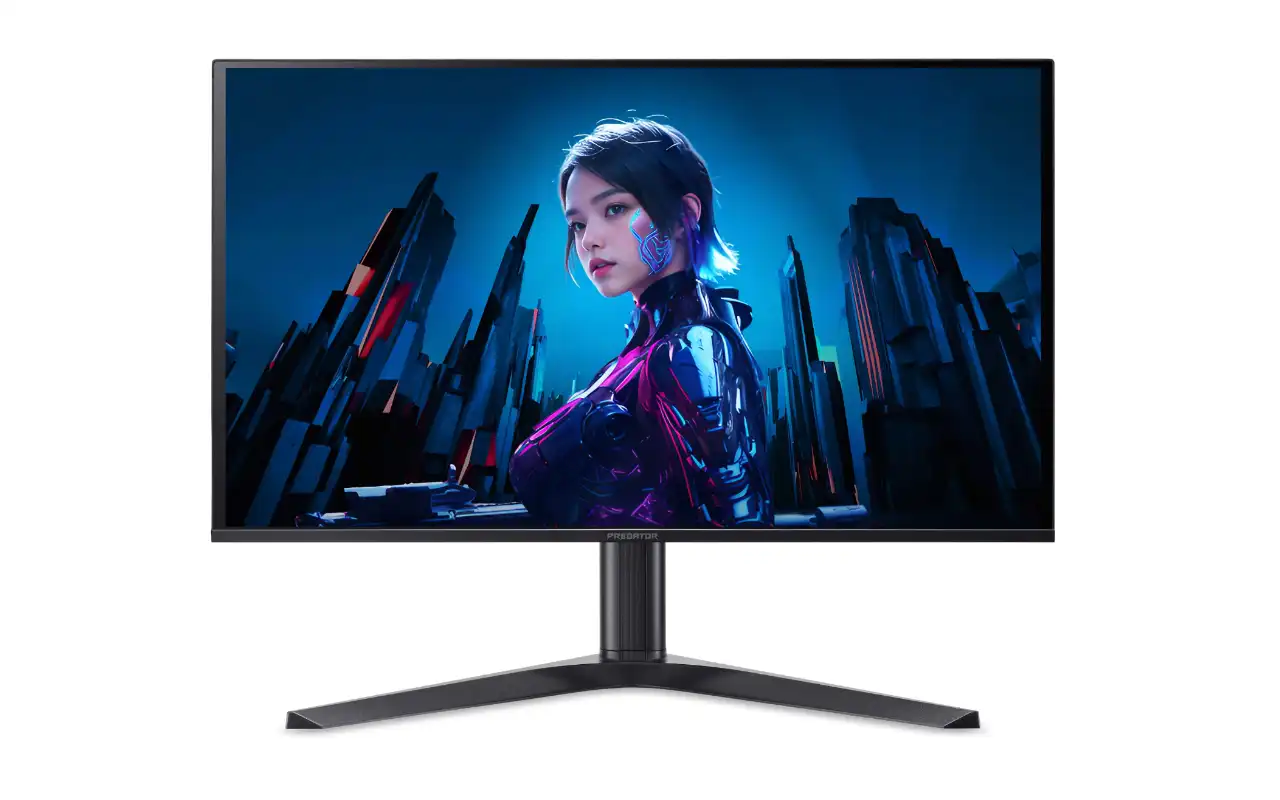
Acer’s expanding its OLED gaming lineup with the Predator X27U Z1, a 26.5-inch QD-OLED display that targets competitive gamers who want high refresh rates without breaking the bank. Priced around €450 in European markets, this monitor brings Samsung’s QD-OLED technology and a speedy 280Hz refresh rate to the increasingly crowded 27-inch 1440p gaming segment.
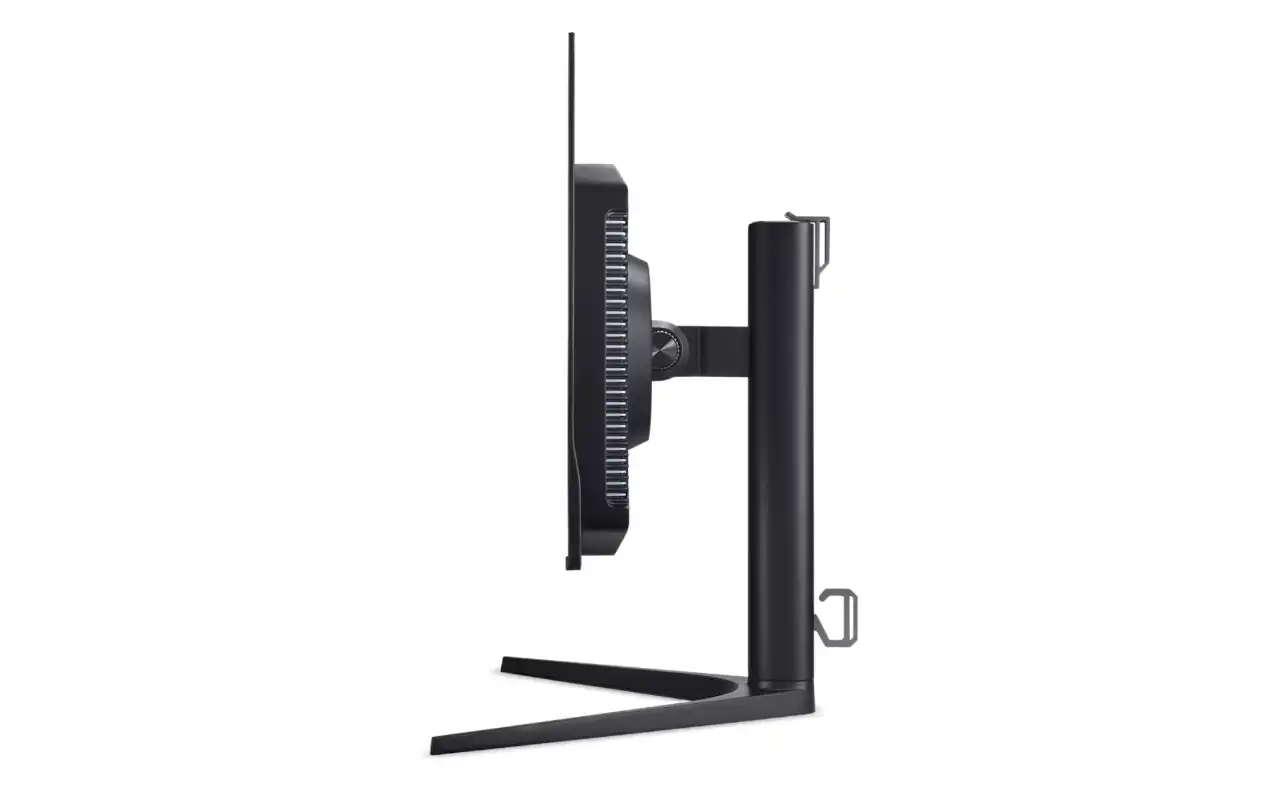
The X27U Z1 (model name: X27U Z1bmiiprx) delivers the core specs you’d expect from a modern OLED gaming panel. Its 2560×1440 resolution provides that sweet spot between visual fidelity and performance, while the overclockable 280Hz refresh rate should satisfy anyone chasing butter-smooth competitive gameplay.
QD-OLED Panel Brings Samsung’s Third-Gen Technology
What sets this monitor apart from budget LCD alternatives is its QD-OLED panel technology. Like other displays using Samsung’s panels, the X27U Z1 offers impressive color performance, covering 99% of the DCI-P3 color space with factory calibration achieving Delta E values below 2. That’s professional-grade accuracy straight out of the box, which matters whether you’re editing photos between gaming sessions or just want vibrant, true-to-life colors in your games.
The panel’s response time clocks in at 0.03ms gray-to-gray, which is effectively instantaneous for gaming purposes. Combined with the high refresh rate and AMD FreeSync Premium Pro support, motion clarity should be exceptional. OLED’s per-pixel illumination also delivers that signature infinite contrast ratio (rated at 1,500,000:1), meaning true blacks and no backlight bleed.
Brightness specs follow the typical OLED pattern: 250 nits for full-screen SDR content, with HDR peaks reaching 1,000 nits at a 3% APL (average picture level). The monitor carries DisplayHDR True Black 400 certification, which focuses on the contrast performance rather than just peak brightness numbers.
Specification Breakdown
| Specification | Details |
|---|---|
| Panel Type | QD-OLED (Samsung) |
| Screen Size | 26.5 inches (viewable) |
| Native Resolution | 2560 × 1440 (WQHD) |
| Aspect Ratio | 16:9 |
| Refresh Rate | 280Hz (overclockable) |
| Response Time | 0.03ms (G2G) |
| Pixel Density | 111 PPI |
| Brightness (SDR) | 250 nits (100% APL) |
| Brightness (HDR) | 1,000 nits (3% APL) |
| Contrast Ratio | 1,500,000:1 |
| Color Gamut | 99% DCI-P3 |
| Color Accuracy | Delta E < 2 |
| Bit Depth | 10-bit |
| HDR Support | DisplayHDR True Black 400 |
| Adaptive Sync | AMD FreeSync Premium Pro |
| Connectivity | 2× HDMI 2.1, 1× DisplayPort 1.4, 3.5mm audio out |
| Built-in Speakers | 2× 5W |
| Ergonomics | Tilt, swivel, height (120mm), pivot |
| VESA Mount | 75 × 75mm |
| Weight (without stand) | 3.55 kg |
| Warranty | 2 years |
| Price | ~€450 / €468 |
The 27-inch 1440p OLED market has become remarkably crowded in 2024-2025, with manufacturers racing to offer faster refresh rates and better pricing. The X27U Z1’s closest competition comes from other 280Hz QD-OLED displays, particularly the Dell Alienware AW2725D, which typically sells for around $500 in the US market.
Dell’s offering brings similar core specs but includes a crucial differentiator: a three-year warranty with burn-in coverage. That’s become something of an industry standard for OLED gaming monitors, with manufacturers like ASUS, MSI, and Gigabyte offering three years of protection against OLED-specific issues.
Slightly pricier options like the ASUS ROG Strix XG27AQWMG (~$600) and Gigabyte MO27Q28G (~$550) use LG’s newer fourth-generation WOLED panels with tandem structure technology.
The Warranty Concern
Here’s where things get interesting. While Acer’s pricing is aggressive, the two-year warranty raises eyebrows. OLED burn-in is a legitimate concern, even with modern panels’ improved resilience and built-in protection features. Static UI elements in games, desktop taskbars, or streaming overlays can theoretically cause permanent image retention over time. Most manufacturers have addressed these concerns by offering extended warranties specifically covering burn-in, making Acer’s shorter coverage period a notable compromise.
The monitor does include standard OLED care features you’d expect, though Acer hasn’t detailed the specifics. Typical protections include pixel refresh routines, brightness limiting for static content, and screen shift technology.
280Hz vs. 240Hz: Does It Matter?
With several 240Hz QD-OLED monitors available at similar or lower prices, you might wonder whether the extra 40Hz matters. For most gamers, the honest answer is no. The jump from 144Hz to 240Hz may be noticeable, but diminishing returns kick in as you climb higher. Professional esports players might appreciate every frame, but typical competitive gamers won’t feel handicapped by “only” 240Hz.
Comparison: X27U Z1 vs. Dell AW2725D
| Feature | Acer X27U Z1 | Dell AW2725D |
|---|---|---|
| Panel Technology | QD-OLED (Samsung) | QD-OLED (Samsung) |
| Resolution | 2560 × 1440 | 2560 × 1440 |
| Refresh Rate | 280Hz | 280Hz |
| Response Time | 0.03ms | 0.03ms |
| HDR Peak Brightness | 1,000 nits (3% APL) | 1,000 nits (3% APL) |
| Color Gamut | 99% DCI-P3 | 99% DCI-P3 |
| Connectivity | 2× HDMI 2.1, 1× DP 1.4 | 2× HDMI 2.1, 1× DP 1.4 |
| USB Hub | No | Yes (USB-A ports) |
| Warranty | 2 years | 3 years (with burn-in coverage) |
| Price | ~€450-468 | ~$500 (€450-500) |
As the table shows, the Dell and Acer share nearly identical panel specifications, likely using the same Samsung QD-OLED module. The main differences come down to warranty coverage and minor feature additions like Dell’s USB hub. Whether that extra year of warranty and burn-in protection justifies similar or slightly higher pricing depends on your risk tolerance.
The X27U Z1 makes sense if you’re after QD-OLED image quality and high refresh rates without stretching your budget. It undercuts many alternatives while delivering the core gaming performance that matters most: instant response times, high refresh capability, and stunning contrast.
Connectivity and Ergonomics
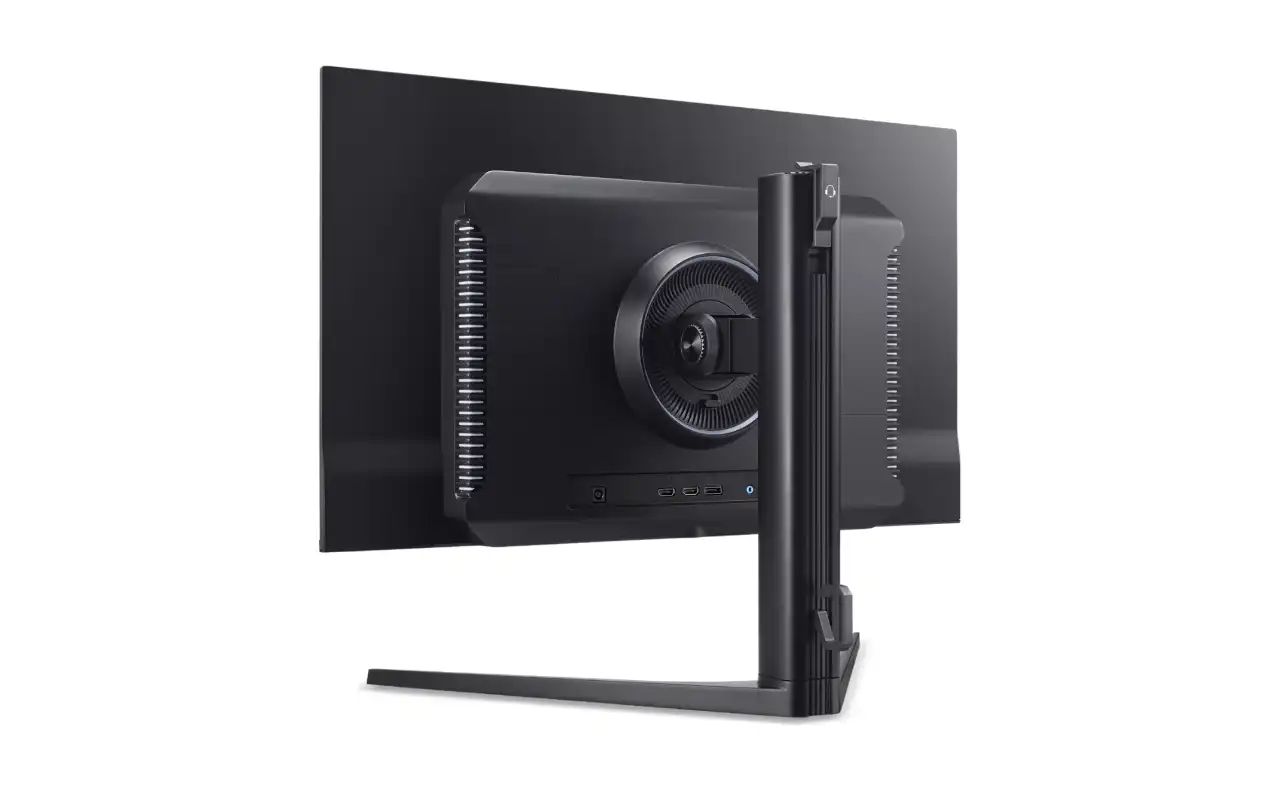
Connection options are straightforward: two HDMI 2.1 ports and one DisplayPort 1.4 input. That’s enough for a gaming PC plus a console, though you’ll need to manually switch inputs if you frequently bounce between systems. The HDMI 2.1 ports support the full feature set for console gaming at 120Hz, while DisplayPort handles the full 280Hz over a single cable.
Ergonomically, Acer hasn’t skimped. The stand provides 120mm of height adjustment along with tilt, swivel, and pivot functionality. There’s also a standard 75×75mm VESA mount if you prefer an aftermarket arm. Two 5-watt speakers are built in, though as with most monitor speakers, you’ll want dedicated audio for serious listening.
The Bigger Picture
The X27U Z1’s arrival highlights how quickly OLED technology is becoming accessible. Just two years ago, 27-inch OLED gaming monitors commanded $800-900 price tags. Now we’re seeing capable models dip below $500, bringing OLED’s visual advantages within reach of more gamers.
For more information on OLED gaming displays and how they compare to traditional LCD technology, check out our guide on the largest gaming monitors available, which covers OLED technology in depth.